
Introduction
In today’s fast-paced digital landscape, project management tools have become essential for teams striving for efficiency and collaboration. Among the most popular solutions are Trello and Asana, both SaaS platforms designed to facilitate web-based project management. With so many options available, how do you choose the right tool for your team? This article dives deep into the Trello vs Asana debate, exploring their unique features, strengths, and use cases to help you make an informed decision.
Understanding the nuances between these two tools can significantly impact how your projects operate, making this comparison particularly valuable for project managers and team leaders.
Estimated Reading Time: 8 minutes
Key Takeaways
- Trello uses a visual Kanban approach, while Asana offers detailed task and project tracking.
- Assess your team’s workflow and communication style to select the right tool.
- Trello is ideal for simple projects, whereas Asana is suited for complex tasks with dependencies.
- Both platforms have integration capabilities that enhance functionality.
- Trial both tools to gauge what best fits your organization’s needs.
Table of Contents
- Context and Challenges
- Solution / Approach
- Concrete Example / Case Study
- FAQ
- Authority References
- Conclusion
Context and Challenges
Project management platforms serve as digital workspaces where teams can collaborate, assign tasks, and track progress. However, the environment in which these tools operate is fraught with challenges. Dysfunctional communication, missed deadlines, and unclear priorities can arise without proper management solutions in place.
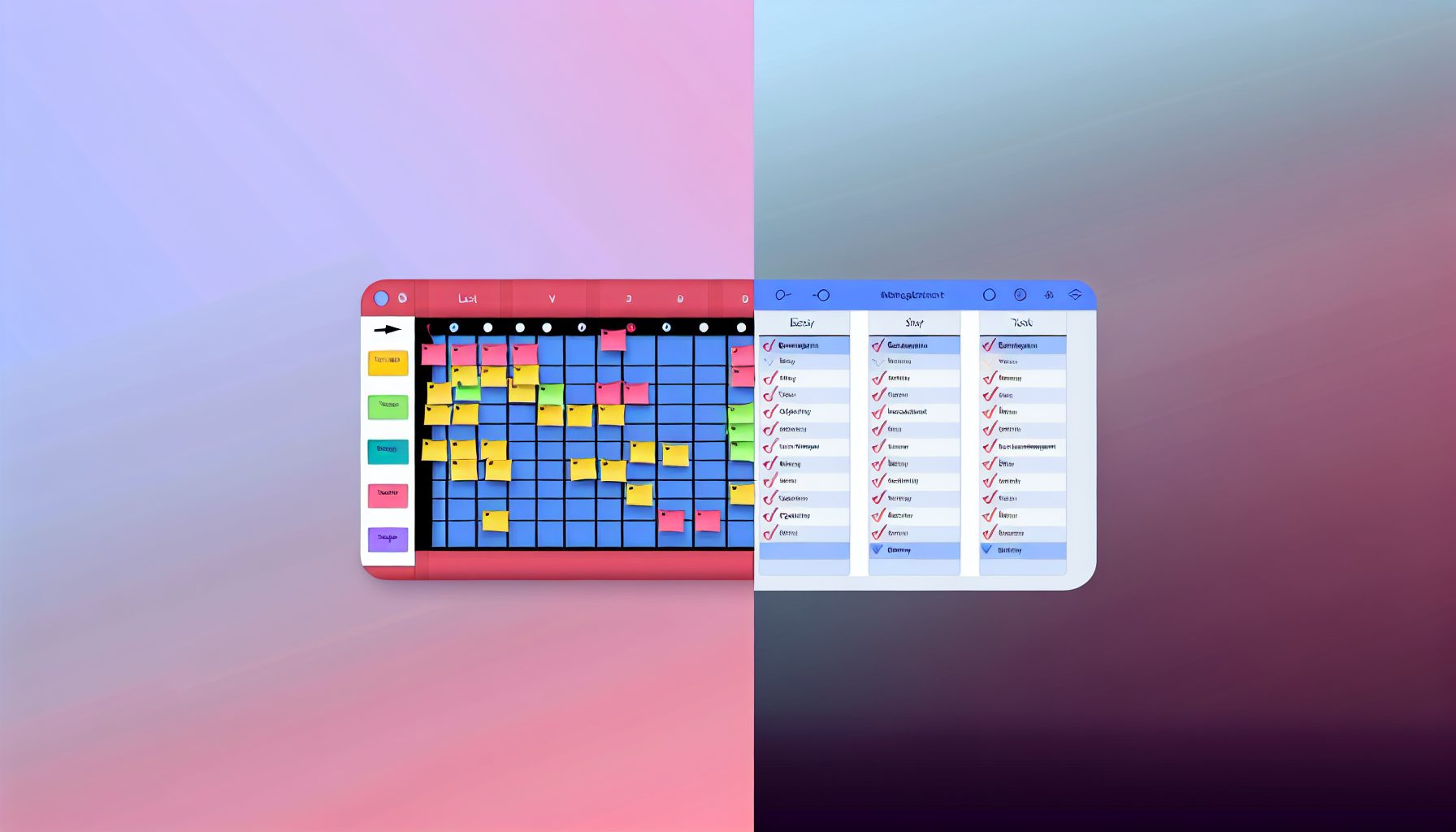
Both Trello and Asana have carved out their niches, but they cater to different needs. Trello utilizes a card-based Kanban style that offers simplicity and visual appeal, while Asana employs a more structured task management approach. The key challenge lies in determining which platform aligns better with your team’s specific workflows and communication styles.
Solution / Approach
When deciding between Trello and Asana, it’s important to consider your team’s preferences, project complexity, and organizational culture. For teams that are visual learners, Trello’s drag-and-drop card system may resonate more. Each board can represent a project, and cards can be created for tasks, allowing for a clear overview of what’s pending, in progress, or completed.
Applications of Web offers insights on various web applications, including how these platforms can optimize workflows.
In contrast, Asana provides a more feature-rich experience. It allows for task dependencies, timelines, and project milestones, making it a suitable choice for complex projects that require detailed tracking and interdependencies between tasks. Assessing your project needs and team dynamics is essential in determining which software will enhance your operational efficiency.
Concrete Example / Case Study
Let’s consider a marketing team planning a product launch. If the team opts for Trello, they might create a board titled “Product Launch,” with lists for each project phase (e.g., planning, content creation, execution). Each card can represent a specific task, such as “Design Social Media Ads” or “Gather Customer Feedback,” and team members can easily track progress in a visual format.
On the other hand, if they choose Asana for the same project, they can set up a project with assigned tasks, deadlines, and even subtasks for detailed planning. For example, within the “Product Launch” project, they may create tasks like “Develop Launch Email” with subtasks for “Draft Content,” “Design Template,” and “Schedule Send Date.” The team can tag dependencies to ensure no task begins before its prerequisite is completed, fostering accountability and clarity throughout the process.
Ultimately, the best choice depends on the specific needs and working style of the team involved in the project.
FAQ
-
What are the primary differences between Trello and Asana?
Trello uses a Kanban board approach, focusing on visual task management, while Asana provides a more structured layout with additional features like task dependencies, timelines, and advanced reporting tools.
-
Can I integrate other tools with Trello or Asana?
Yes, both platforms offer a variety of integrations with popular tools like Slack, Google Drive, and Dropbox, enhancing their functionality and making workflow smoother.
-
Which platform is better for small teams?
For smaller teams with straightforward tasks, Trello’s simplicity may be ideal. However, if the team anticipates needing more structured project tracking, Asana might be worth the investment.
Authority References
For further information and an authoritative perspective on project management tools, consider visiting:
- A Beginner’s Guide to the Kanban Method – Wrike
- Asana Help Center – Official Asana Documentation
- Trello Guide – Official Trello Documentation
Conclusion
Choosing between Trello and Asana for your project management needs isn’t a one-size-fits-all solution; it requires understanding your team’s workflow and project complexity. Trello’s visual boards offer quick and intuitive task management, while Asana’s comprehensive features excel in complex project tracking.
Ultimately, consider your team’s style and specific project requirements to make the most informed choice. Engage with your team, trial both platforms, and move forward with the tool that fosters productivity and collaboration in your unique environment.


Leave a Reply